
 Français
 Polski
Reminder! click in the menu on “My biography editor” to access the editor page, click on the deportee name to get into the editor, then click on ADD MEDIA to access your document library.
To add new documents:
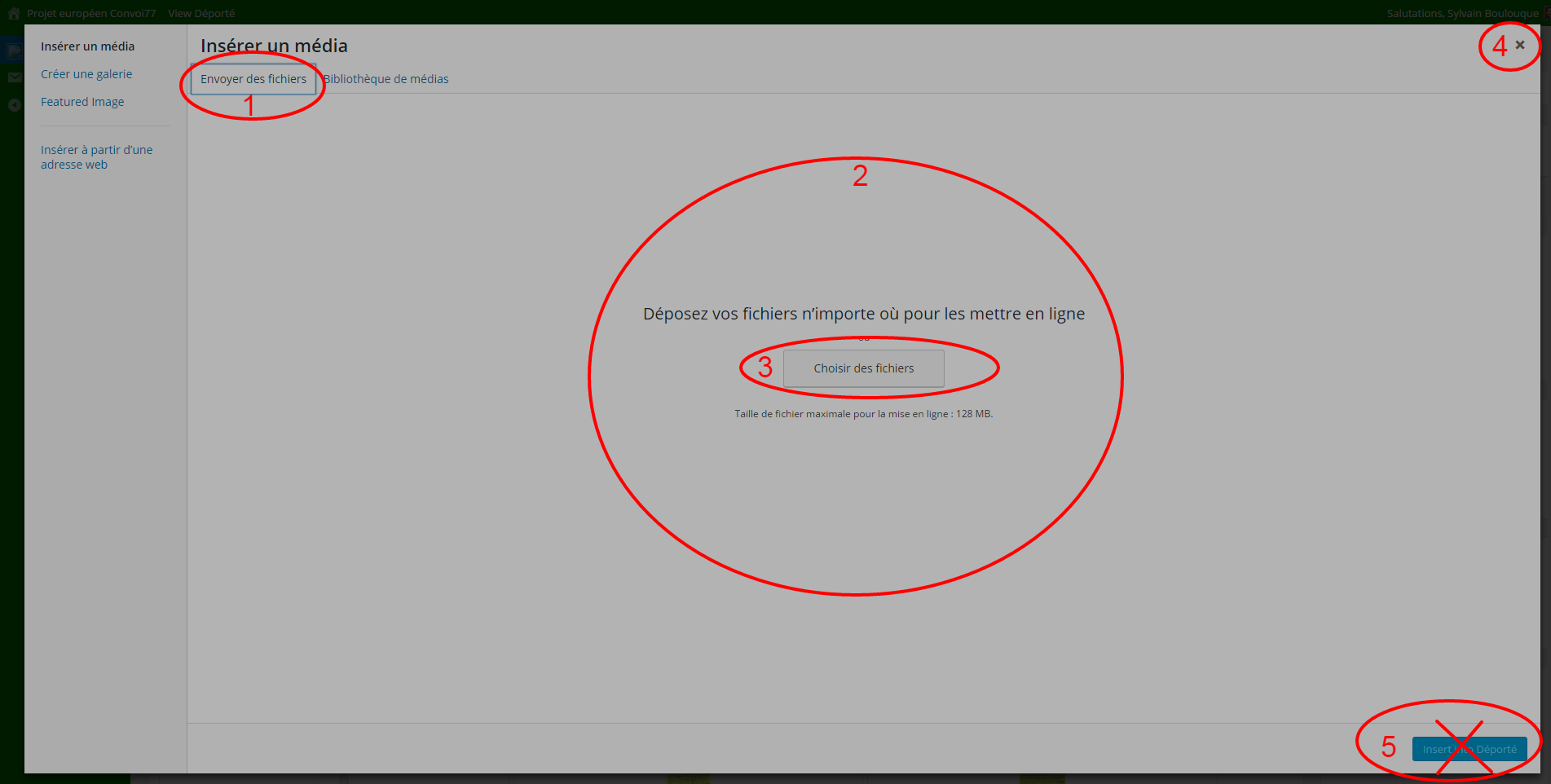
- Click the UPLOAD FILES button (1)
- Import documents: drag the documents from your computer and then drop it to the file drop zone (2) or select your documents by clicking the SELECT FILES button (3)
- Very important: once the documents are downloaded, close the window by clicking directly on the cross on the top right X (4); DO NOT click the INSERT button (5).
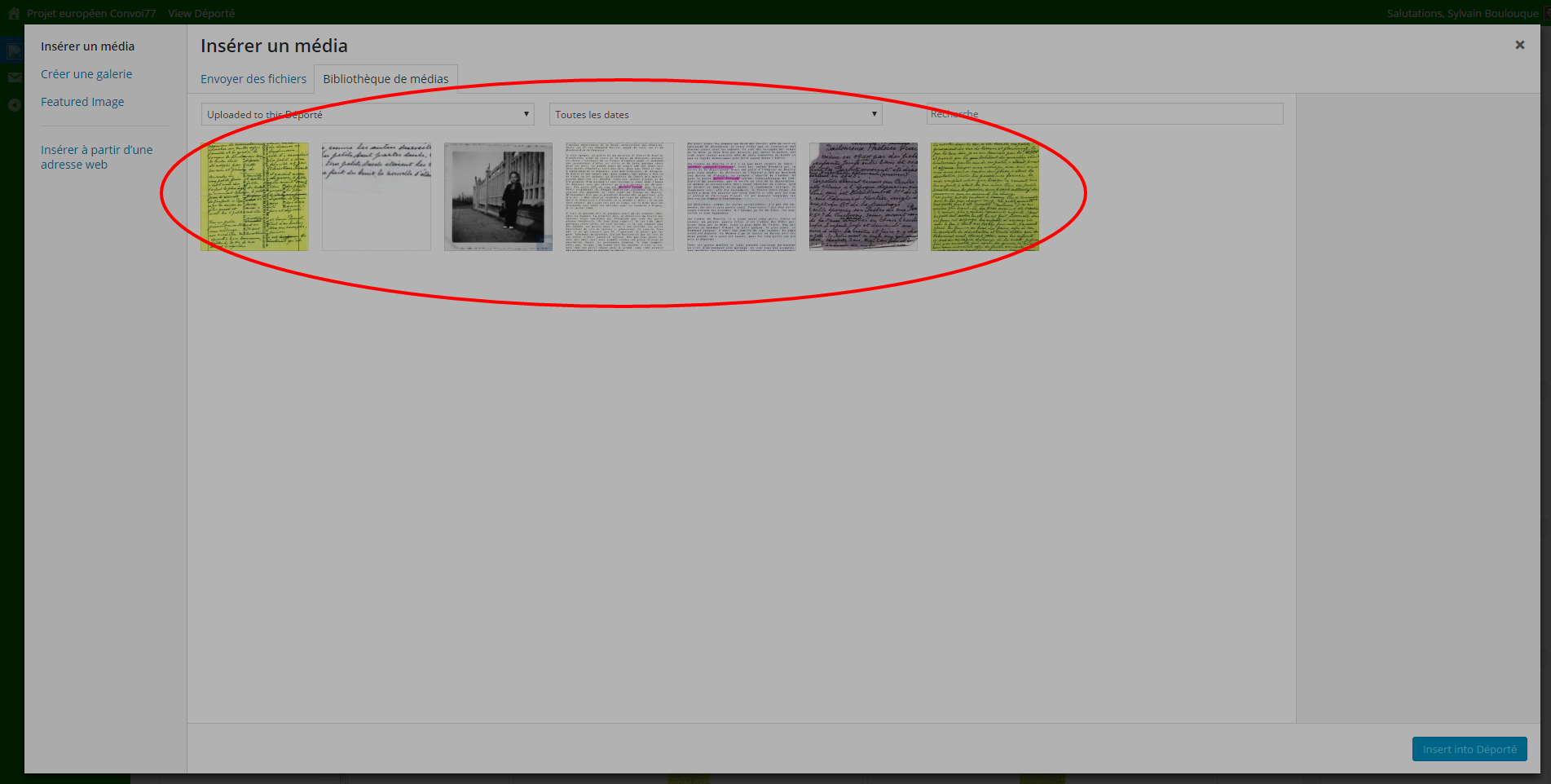
To use or modify documents existing in your library: click on the MEDIA LIBRARY button.